
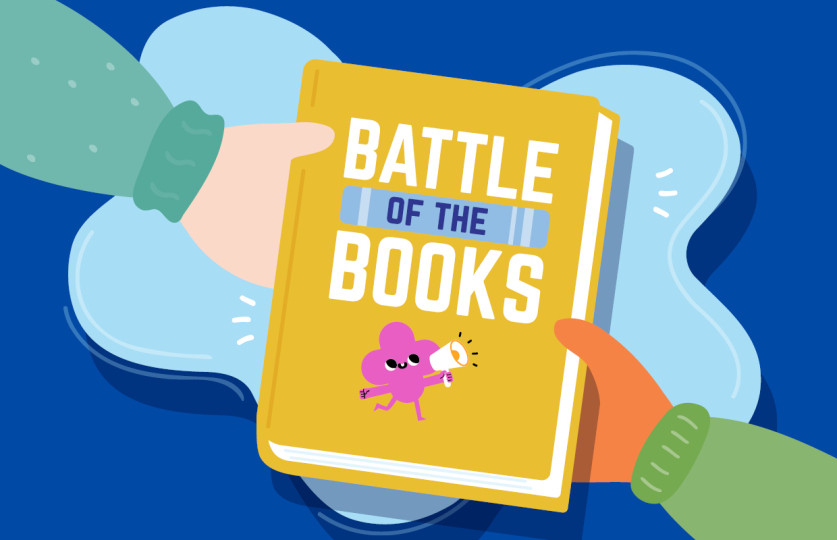
Battle of the Books is a FREE, structured reading challenge for Wyndham students in Grades 3–9, run by the Education & Youth team at Wyndham Libraries.
Your school will go head-to-head with other local schools to find out who will emerge as the Battle of the Books Champion!
The aim of Battle of the Books is to earn points. Participants can earn points by:
- Logging their time spent reading
- Participating in curated individual, hybrid, and class activities provided by our Education & Youth Librarians.
The individual participants, class, and school with the most points win! Using Beanstack, a popular online reading platform, participants can log and track their progress throughout the competition, earn badges and rewards, and potentially win real-life prizes!
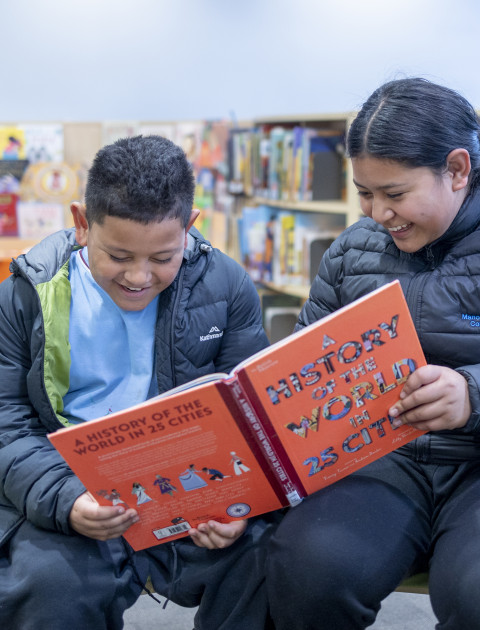
Battle of the Books Junior - Primary School
Find out more about the Battle of the Books primary school competition. (Grades 3-6)
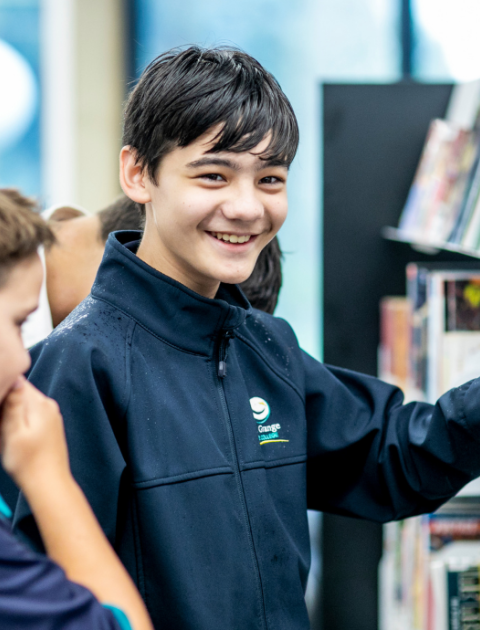
Battle of the Books – High School
Find out more about the Battle of the Books Senior Competition. (Years 7-9)
Beanstack - Wyndham Libraries
Beanstack Registration Instructional Video
Getting Started with Beanstack
Step One: Visit the Wyndham Libraries Beanstack page. This will take you to the Wyndham Libraries Battle of the Books competition page.
Step Two: Click Register an Individual or Family.
Important: All previous Beanstack accounts have been deleted. Do not select Already Have an Account. This is a Wyndham Library-specific Beanstack site, so even if you have an active account with another library service or have previously participated in Wyndham Libraries competitions (including past Battle of the Books events), you will need to create a new account. Accounts linked to other library services will not be affected.
Step Three: Select I Am RegisteringMyself. All teachers and students must select this option.
Step Four: Complete all fields using the following format:
- First Name: Enter your full first name (e.g. Amanda).
- Last Name: Enter your full surname (e.g. Swift).
- Email: Use your school email address.
- Username: Combine your first name, surname initial, and the word “Teacher” (e.g. AmandaSTeacher).
- Password: Use a password you’ll remember.
- Your Primary Library: Choose the library you are most likely to use—there is no right or wrong answer.
- Year of Birth: Select your birth year.
- Year Level: Choose the year level of your participating class.
- Teacher: Select your name from the list. If you don't see your name, please reach out to the Battle of the Books team to have it added to the database as a teacher. Once your name is added, you can continue with the Beanstack registration process.
- School: Select your school to ensure your students’ points are counted correctly.
Step Five: After logging in, you’ll see the option to register for the Battle of the Books 2025 Challenge. Click Register for This Challenge.
You're now ready to support your students in Battle of the Books 2026!