Requests and Issues is our new online self-service portal making it easy for you to request a service or report an issue to Wyndham City.
Register or Log In
Register as an individual or business to log and track all your requests in one place from any device. When you register, we will email you to verify your email address.

Track your Request
Use the Request Number we sent to you by email or SMS to see the progress and any updates for your request.

Enter as a Guest
You can submit a request or report an issue as a guest. However, you'll need to enter your details each time and keep track of your requests by email or SMS.
Help Using Requests and Issues
I have an account through the previous customer portal. Do I need to create a new one?
You will need to create a new Requests and Issues portal account to view your existing requests.
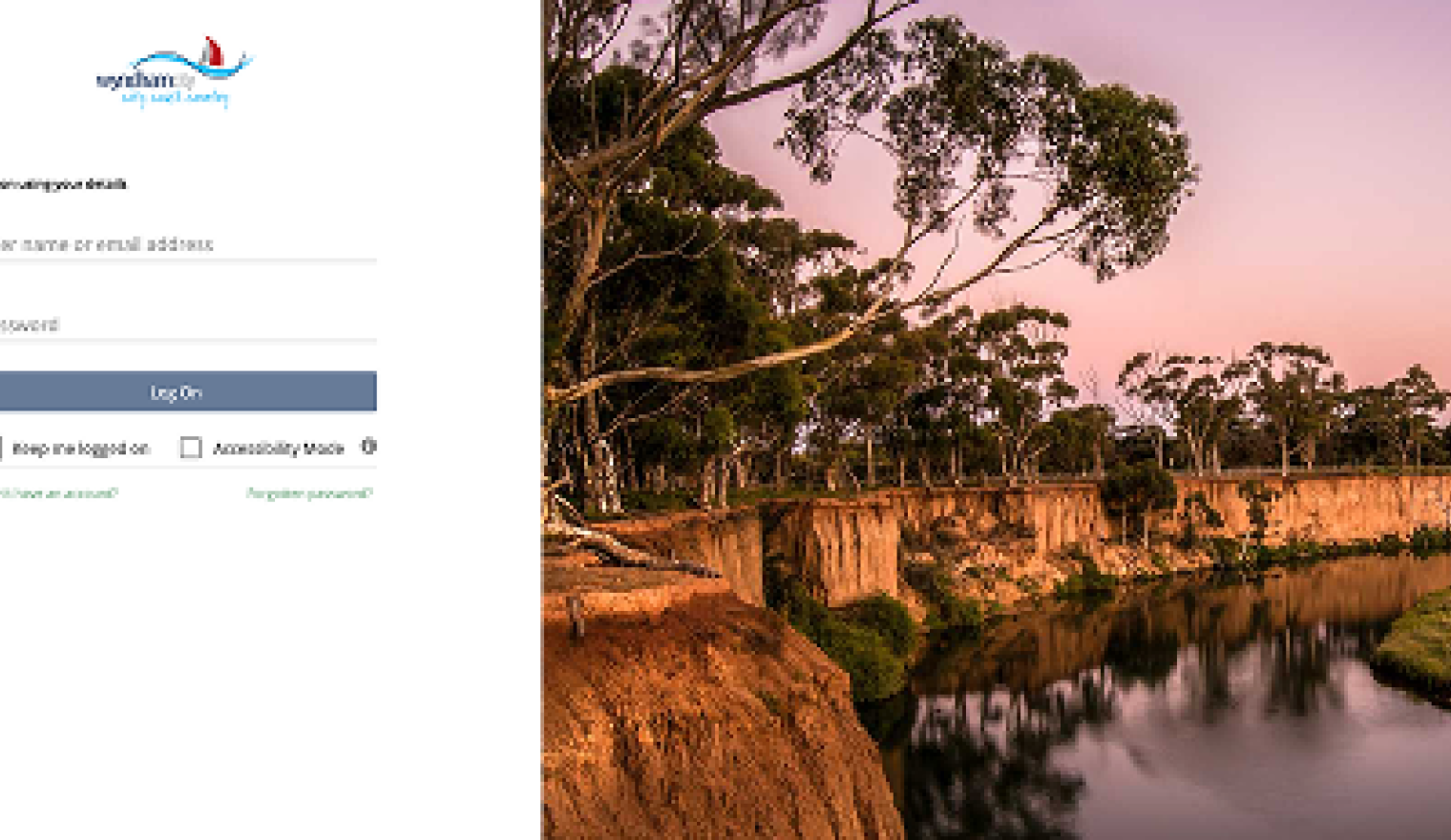
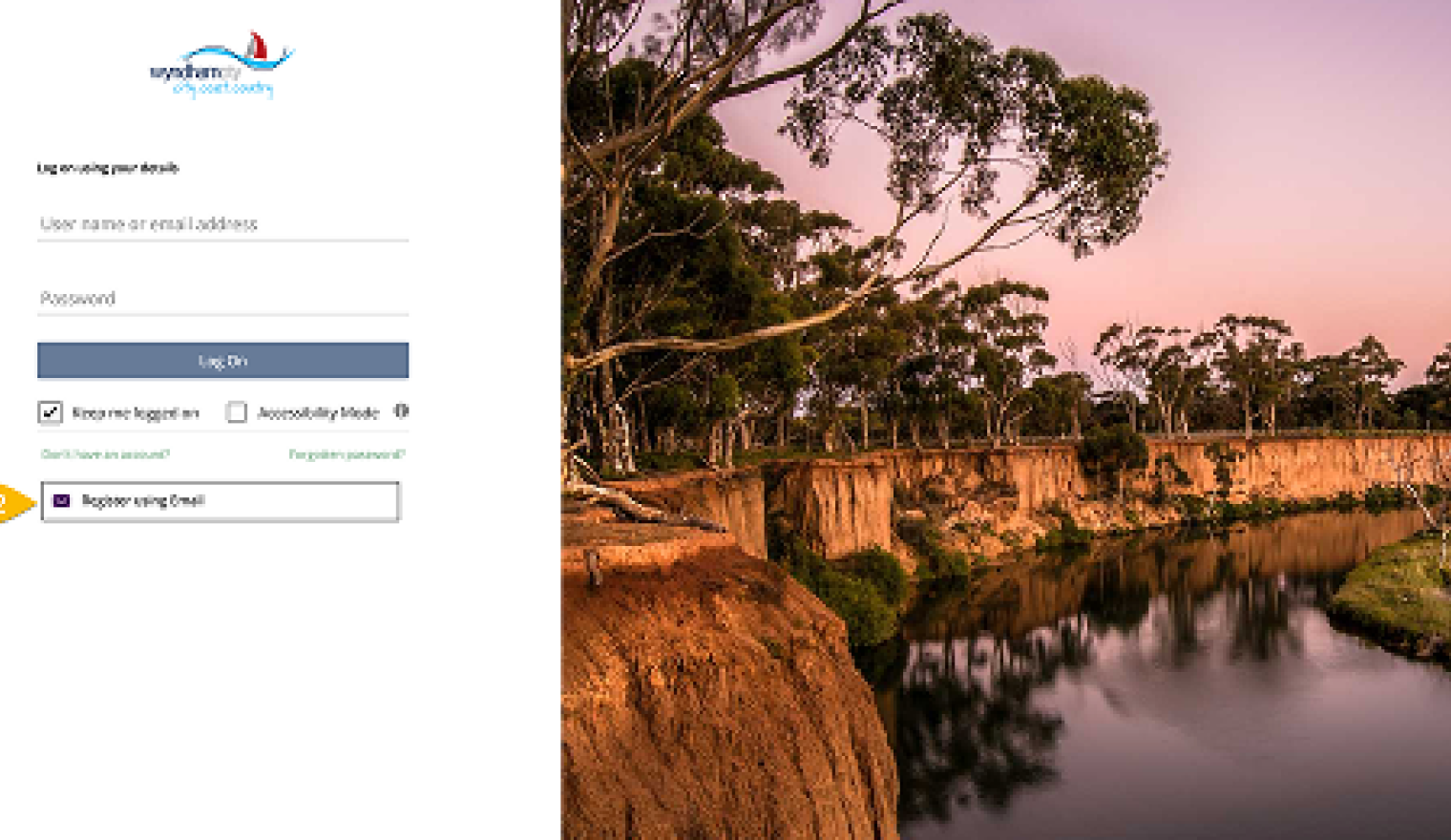
- Click on Don't have an account
- Click on Register using Email
What if I've forgotten my password?
If you've forgotten your password, you can request to reset your password here.
If you've had an account with us before. You will need to create a new Requests and Issues portal account to view your existing requests.
How do I track my requests?
There are two ways to track any requests.
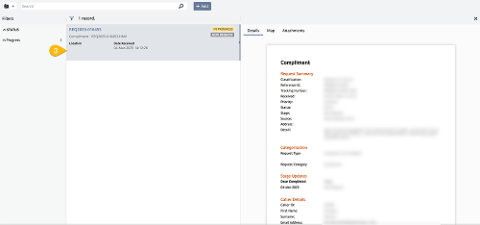
- Log On as a registered user to see all your current and completed requests.
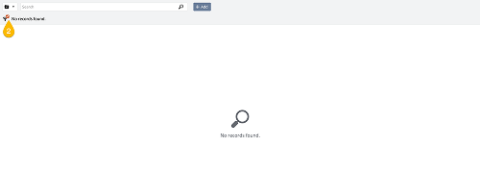
- Click on the tile ‘My Requests’
- Clear the filter to view all your past requests.
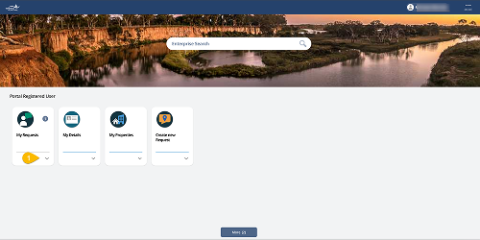
Not registered? Select Track request and enter the 11 character tracking number we sent you by email or SMS when you logged the request.
How can I respond to, and follow up on, my submitted requests?
It’s easy to follow up on your requests:
1. Go to the to the acknowledgement email we sent to you.
2. Click ‘reply’. This links you directly to the right team.
How do I log out?
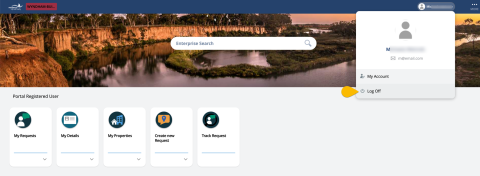
To log out, click or tap your name on the top right-hand side of the page. Then, click or tap Log Off.
Where can I get more information?
Please contact our friendly customer service team if you are having any issues on 1300 023 411.