- Address
- 260-280 Hogans Rd,
Hoppers Crossing
VIC 3029
- Phone
- 03 9116 3705
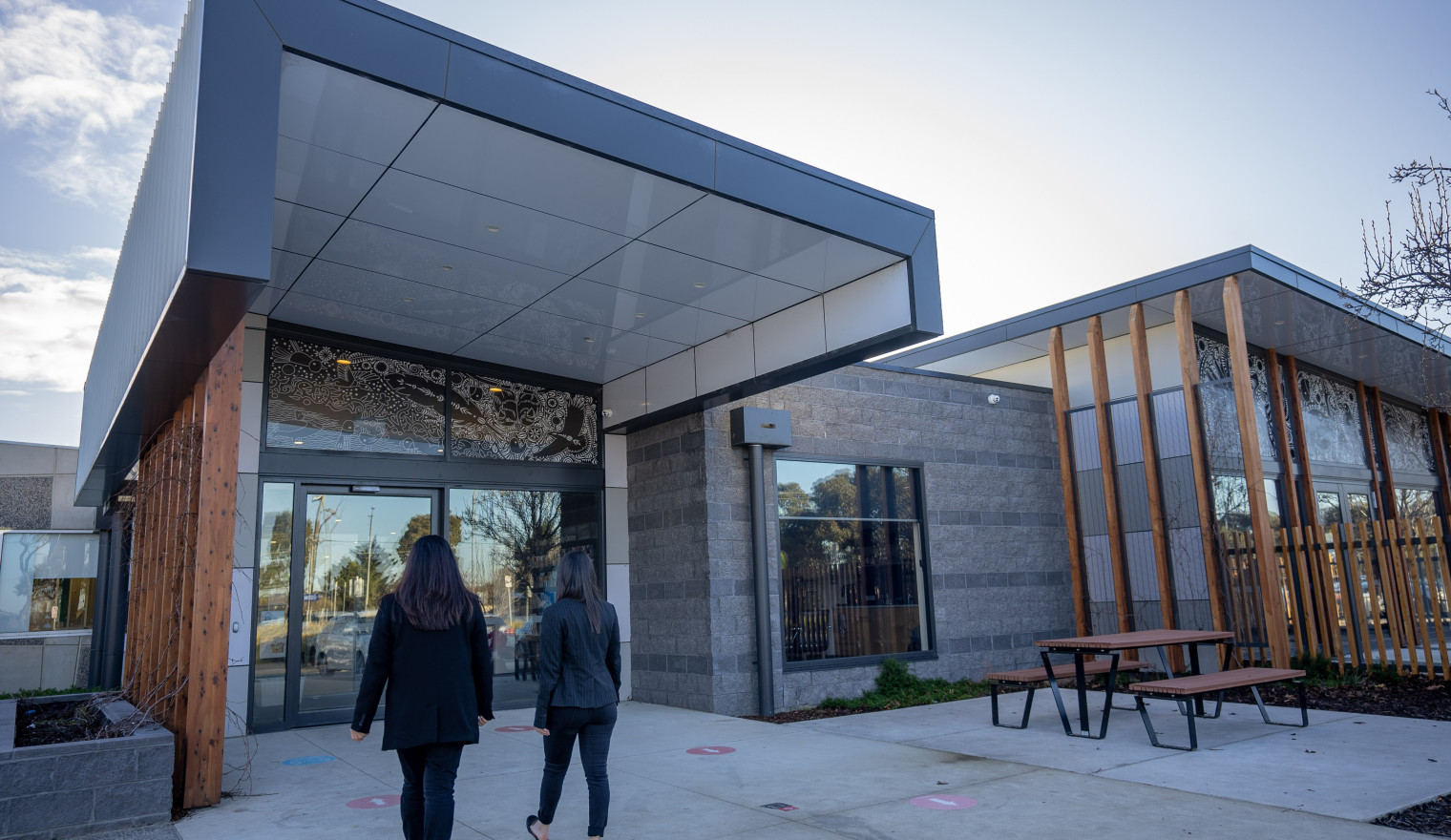
Wyndham City Council has appointed One Tree Community Services Inc as the management of The Grange Community Centre, following a comprehensive tender process.
One Tree Community Services Inc will manage the community centre to provide a welcoming and inclusive space open to all. One Tree will coordinate the delivery of a range of programs and activities as well as coordinating room hire and community use of the centre. One Tree will work with community groups currently using the centre to ensure a smooth transition and to be able continue their programs and activities
One Tree Community Services Inc will commence management of The Grange Community Centre from 1 July 2026.
For centre enquiries, contact the One Tree team at grangecommunitycentre@onetree.org.au.
One Tree Community Services Inc currently manage Lollypop Creek Community Centre. In addition, they are a national approved provider for Early Childhood Education and Care services and have experience and interest in providing Out of School Hours Care (OHSC), occasional care, vacation care programs, and school holiday programs.
Wyndam City Council would like to acknowledge and thank Quantin Binnah Community Centre Inc for managing The Grange Community Centre in the interim while the tender was in process. Quantin Binnah Community Centre Inc’s willingness and ability to step into managing the centre at short notice ensured that the centre was able to remain open and accessible to community.
Upcoming Events

FREE Come & Try Playgroup
FREE Come & Try Playgroup
FREE Come & Try Playgroup
Accessibility, Facilities and Equipment
- Full Disability Access
- Baby Change Facilities
- Trestle tables and chairs
- Braille signage throughout the Centre
- Projector & screen in each room
Rooms are suitable for
- Meetings
- Training and Seminars
- Fitness classes
- Cultural/religious groups
To view each of the rooms in the virtual tour, click on the name of the venue at the top left and then choose the required room from the drop down list.
On a desktop or laptop device, the tour will rotate automatically. On a touch screen device, swipe the image to rotate through the view. Use the controls at the bottom of the virtual tour to manually control the tour.